Connect your printer
Install the printer in Windows and make sure it can print using a compatible driver.
Print documents, photos, and shipping labels from your phone or another computer. Easy Print Server connects your devices to printers already installed on your Windows PC.
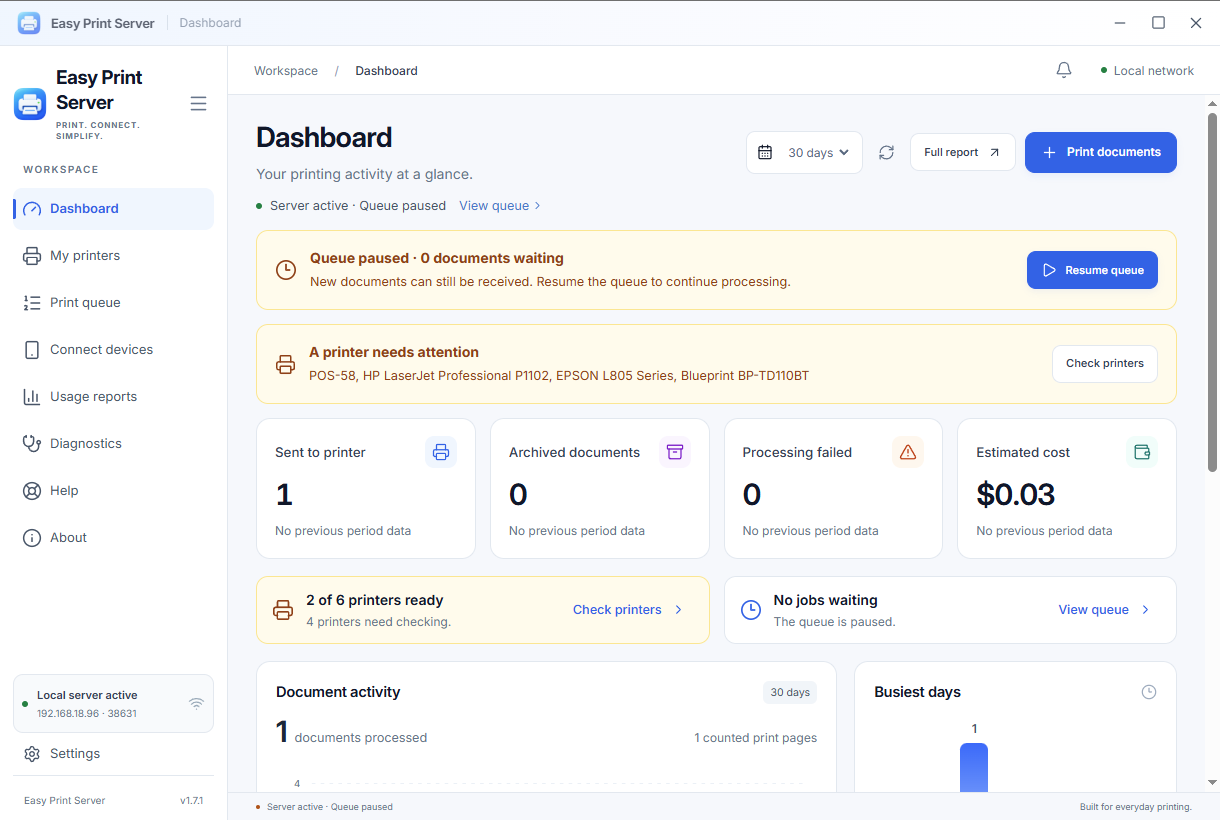
Your Windows computer is the bridge. Your printer keeps using its familiar driver.
Install the printer in Windows and make sure it can print using a compatible driver.
Open Easy Print Server, choose the printer, and enable Share printer.
Use AirPrint on iPhone/iPad, the browser portal on Android, or Easy Print Server Connect on another PC.
From A4 documents to shipping labels, check destinations and status before moving on.
Open support guideManage Windows printers and folder destinations. Give one device separate names and defaults for different jobs.
See jobs waiting, failing, or sent to Windows. Confirm the physical print result when needed.
Review documents, adjust the print area, use presets, or save to a folder without using paper.
Change the portal code. API/MCP stays off until enabled, with printer permissions for each connected application.
Check problems without printing a test page, review activity, and use your own rates for cost estimates.
Use the printers you already have at home, in your shop, or at work.
Print shipping labels and invoices from the device you use while packing orders.
Use compatible receipt printers through supported document or device command workflows.
Share Windows printers with other devices on the same work network.
Send homework or photos from a phone without forwarding files through messaging apps.
Compatibility depends on the Windows driver, document format, paper size, and printer capabilities. Thermal printers need appropriate settings. Test your device before purchasing a license.
A clear connection and accurate expectations make printing easier.
Need help?Easy Print Server uses printers installed in Windows. Compatibility still depends on the driver and device capabilities; support for every model is not guaranteed.
iPhone/iPad can use AirPrint when network discovery is available. The browser portal accepts PDF/JPG/PNG without another phone app. Built-in Android printing depends on an IPP-compatible service such as Mopria.
Yes. Keep the computer and printer on and connected. The Microsoft Store edition receives documents while the app runs in the tray in your Windows session. Pre-sign-in service mode is available with the standalone installer.
Download Easy Print Server Connect separately, enter the server address, and choose shared printers. Both PCs must be on the same local network.
Printing uses your server computer and local network. A problem report is sent only when you select Send report and enter a comment. Read the privacy policy for details.
Windows and printers do not always report the physical outcome completely. Check the paper and use queue result confirmation when needed.
Buy through Microsoft Store outside Indonesia. Open the Indonesia option below only when purchasing from Indonesia.

Lifetime license: Rp99,000. Choose Microsoft Store or Mayar. A Mayar license covers 1 server PC.
Microsoft Store · Rp99.000 Mayar · Rp99.000
The Mayar product is prepared. Sales open after the app update supporting Mayar activation is available.
Start with the devices you have. Check compatibility, then build your printing workflow.